Important Information Regarding Mobile App for VEMS26
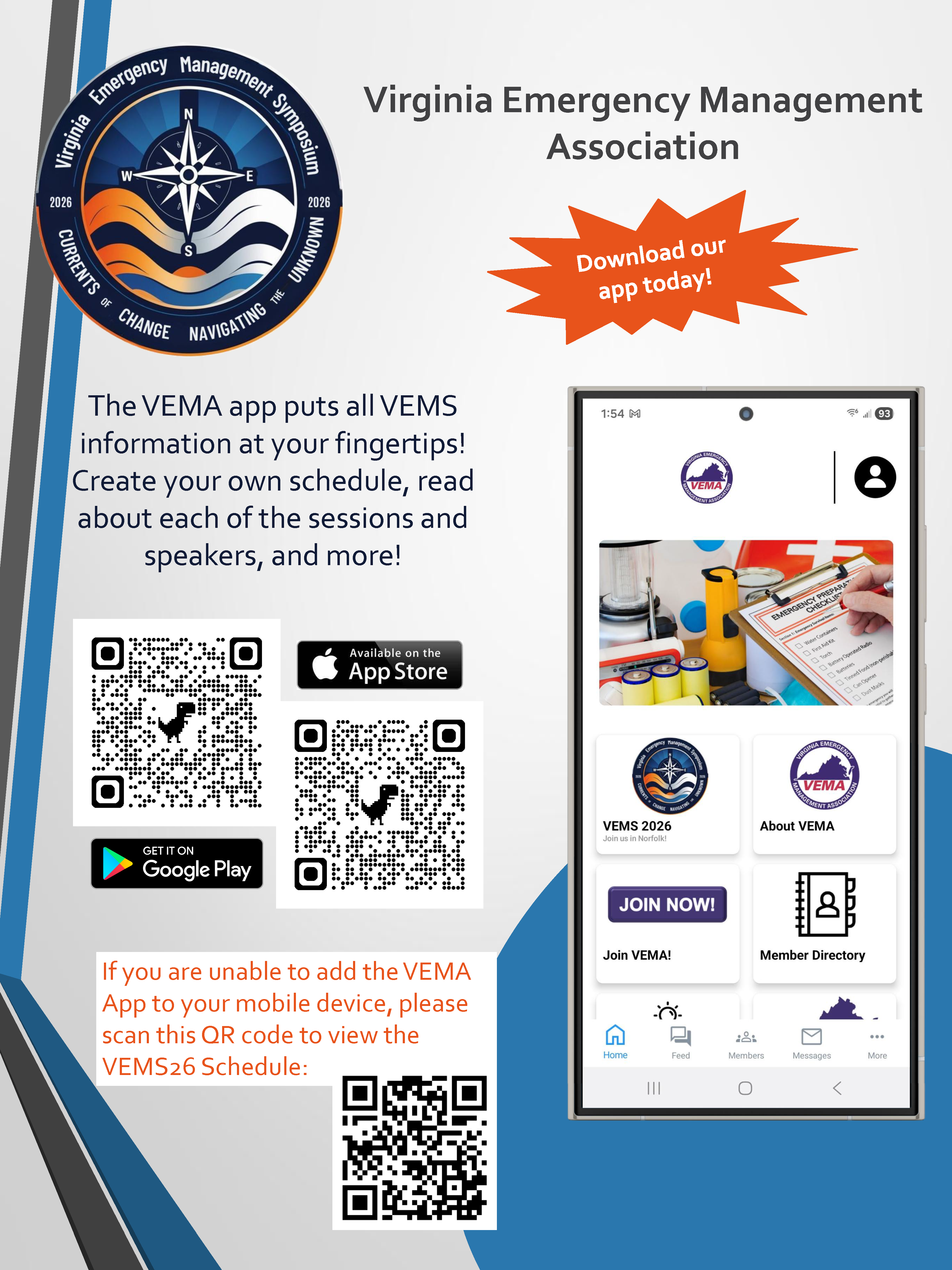
As a VEMS Attendee, please use the email address associated with your VEMS registration to sign into the app. You will then be emailed a code to login. Once you're logged in, you will have access to the Event feature that we are using for VEMS, which can be accessed by clicking on the VEMS image.
- To view or update your profile, please tap the person icon at the top right of your screen, and then "My Profile". On the next screen, you may tap "Edit" at the top left to update your information.
- When viewing the VEMS schedule, you can add certain events to your personal schedule by tapping the star beside the event. The Add to Calendar button will add the event to your phone’s calendar as well.
|